
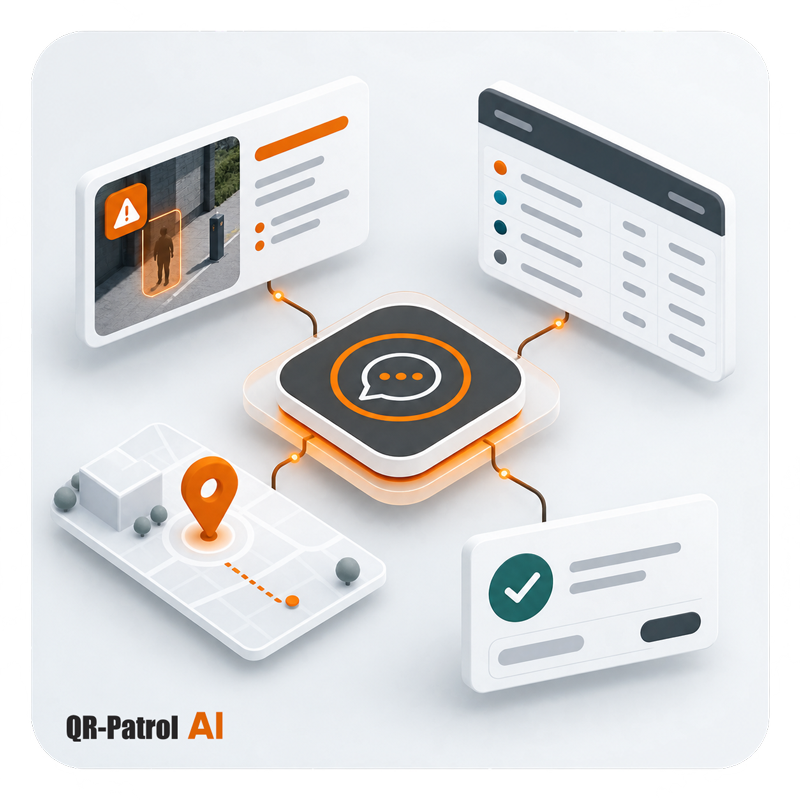
Ask. Review. Act.
Instead of searching through multiple platform sections, simply describe what you need. QR-Patrol helps you find information, review results and complete supported tasks using everyday language.
Ask Questions
Ask questions in natural language to quickly retrieve the QR-Patrol account information you need.
Generate Results
Generate clear answers and structured tables, with export options available for supported results.
Perform Actions
Create, edit or remove supported QR-Patrol entities by describing the action you want to complete.
Find the Information You Need with a Simple Question
Use natural language to retrieve operational information from your QR-Patrol account. The AI Assistant can answer questions about incidents, guards, sites, checkpoints, users and other supported data.
Depending on the request, results can appear as direct answers or structured tables. When available, you can also export the generated results.
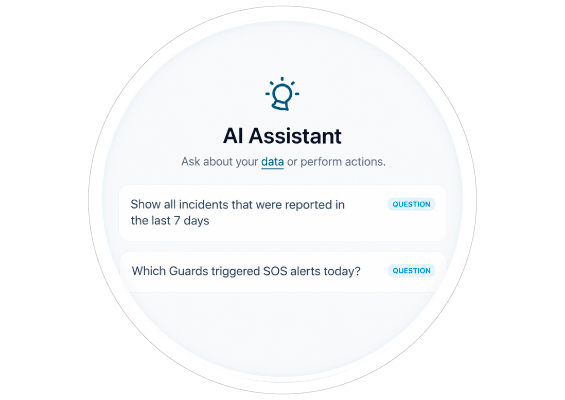
Access Key Operational Information
Retrieve information across essential areas of your QR-Patrol account
Operations
Events, Guards, Guard Groups, Sites and Checkpoints
Account Management
Users, Clients, Branches and Persons across your QR-Patrol account.
Safety and Communication
Incident Types, Messages, Welfare Check and Scheduled Email Reports
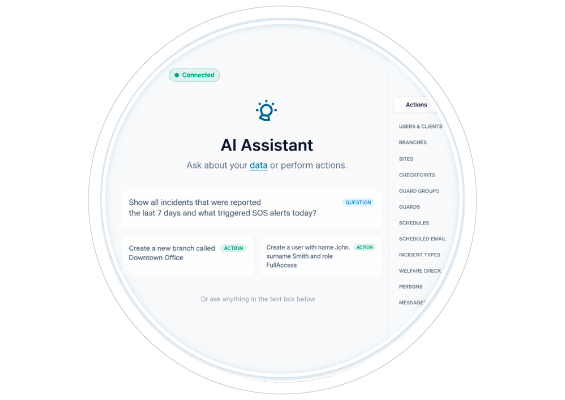
Manage Everyday Tasks Using Natural Language
The AI Assistant can perform supported actions that update your QR-Patrol account. Simply describe the task, and the successful change will appear in the corresponding section of the Web application.
- Create, edit or remove supported users and clients.
- Manage branches, sites, checkpoints and Guard Groups.
- Edit Guard details, licences and settings.
- Create or remove patrol schedules and Scheduled Email Reports.
- Manage Incident Types, Welfare Check settings and persons.
- Send messages to guards.
Tools That Help You Build the Right Request
Explore suggested prompts, locate exact records and quickly reuse questions you need regularly.
Suggested Questions and Actions
Explore ready-made examples that help you phrase supported questions & actions easily.
# Commands
Find and select a specific Guard, Site, Checkpoint, User or another supported QR-Patrol record.
Saved Questions
Save frequently used questions and run them again whenever you need updated account information.
Keep AI-Driven Actions Visible and Traceable
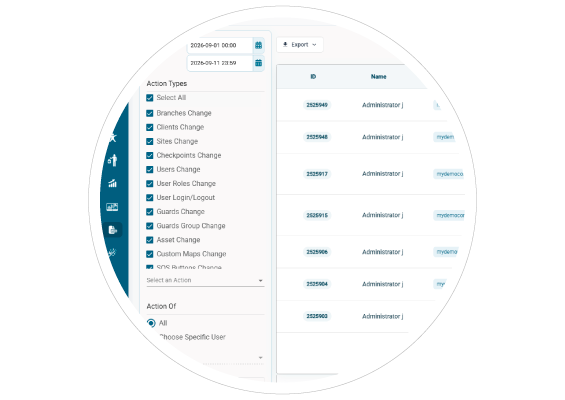
Supported actions performed through the AI Assistant are applied directly to your QR-Patrol account. Changes appear in the relevant sections of the Web application and are also recorded in the Action Logs, helping managers maintain visibility over account activity.
Connect QR-Patrol to Compatible AI Agents via MCP
Ask questions about supported QR-Patrol data and perform supported actions directly from a compatible AI environment.
Continue the Conversation
Use the context of an ongoing conversation to understand follow-up requests about QR-Patrol data and actions.
Handle Larger Workflows
Use bulk and multi-step actions to work with multiple supported QR-Patrol entities in the same workflow.
Keep Changes Visible
Review supported actions in the relevant QR-Patrol sections and through the platform’s Action Logs.
Bring QR-Patrol into Your AI Conversations
Connect QR-Patrol to compatible versions of Claude, ChatGPT and Gemini through MCP.
Access supported QR-Patrol data and perform actions directly within an ongoing Claude conversation.
Access supported QR-Patrol data and perform actions directly within an ongoing ChatGPT conversation.
Access supported QR-Patrol data and functionality directly within a compatible Gemini environment.
Choose the Experience That Fits Your Workflow
Use AI directly inside QR-Patrol or connect your account to a compatible external AI agent.
Inside QR-Patrol
Built-in AI Assistant
- Natural-language questions and supported actions
- Direct access from the QR-Patrol Web application
- Answers, tables and exports when available
- Each request is processed independently
- Actions are performed on one entity at a time
Through MCP
Connected AI Agent
- Natural-language questions and supported actions
- Access from a compatible external AI environment
- Ongoing conversational context
- Follow-up requests based on previous messages
- Support for bulk and multi-step actions
Discover a Smarter Way to Manage Your Security Operations
See how QR-Patrol's AI capabilities can help you access operational information, generate results and complete supported management tasks using natural language.
Follow QR-Patrol on Social Media



GET IN TOUCH
- Thesi Ntousia, Bafra,
Ioannina, Zip: 45500 Greece - Phone: +30-26510-94333
- Email:
- info(at)qrpatrol(dot)com




AWARDS











Copyright 2014-2026 © Terracom S.A. All Rights Reserved.
 |
 |
 |
 |
 |