
QR-Patrol BASE


QR-Patrol BASE
The No1 AI powered Guard Tour management System
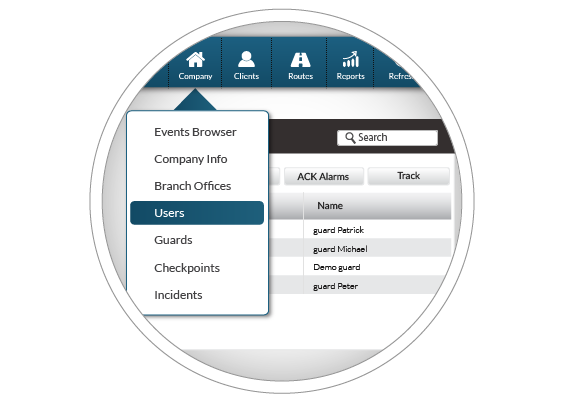
User Management
QR-Patrol web application allows total control on different security entries' levels: administrators, managers, security companies, security guards and clients. A QR-Patrol manager can control all the parameters regarding the levels down in the hierarchy.
QR-Patrol web application lets you add and edit all relevant information regarding the various users roles and allows the total remote management of any incident, guard, shcedule, client related to the security guard company or organization.
Advanced Reporting
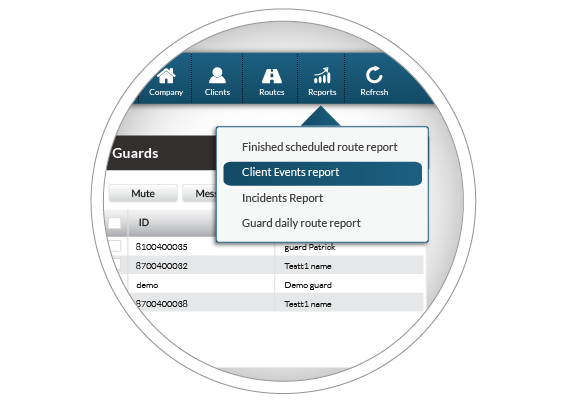
There are four basic reporting options, enabling export to PDF or excel format for further processing:
- Finished Scheduled Route Report, which informs about all accomplished or missed patrols within a specific time interval.
- Clients Events Report, including all events for a specific client with full details.
- Incidents Report, including all events filtered by clients' sites or guards.
- Guard Daily Tour Duration Report, informing about exact time and duration of accomplished guard tours.
Manage and assign checkpoints
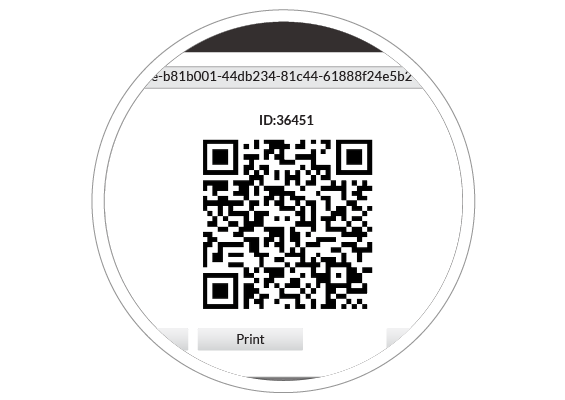
The security account manager using QR-Patrol can easily assign checkpoints (QR-codes, NFC tags, Beacons) via the web interface of QR-Patrol. Each chekcpoint is assigned to a specific client site and location and so predefined tours can be scheduled for each security guard. Checkpoints assignment is the core of QR-Patrol guard tour monitoring software as it interconnects mobile and web application via checkpoints scan accomplished by the security guards.
Real Time Alerts
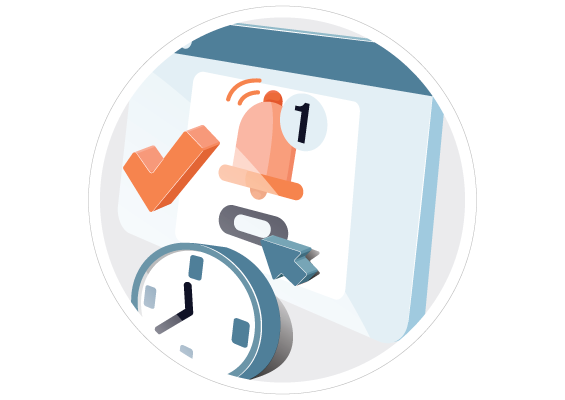
Alerts sent to the managers in the form of email notifications, SMS and alarm sound in the web app (SOS button & real-time incident reports).
GPS Monitoring & Geolocation
Track your guards in real time through their mobile device GPS location. Increase accountability and avoid checkpoint replication. Apply geo-fencing to checkpoints and get informed of whether a Checkpoint is scanned by the Guard within a pre-defined area or not.
Schedule Management
Managers can schedule guards’/workers’ work in advance and automate patrol monitoring. Guards get notified about their schedules through the timeline tab in their mobile app. Managers receive email alerts in case of schedule deviations (e.g. missed scans).
Multilevel Access
Set up different access levels to system users based on their roles / designation i.e. guards, managers, system administrators, clients.
AI Reports
The AI Reports allows users to ask natural-language questions directly inside QR-Patrol and instantly receive answers in the form of reports. Instead of navigating through multiple menus and filters, managers can simply type or select a question (e.g. "Show all incidents in the last 7 days” or “Which guard triggered SOS alerts today?"") and get results immediately.
It also supports Saved Questions, so frequently used queries can be stored and reused with a single click.
Key benefits:
- Faster insights: Eliminates time spent searching through reports and menus.
- Ease of use: Users can type questions in plain language, no technical knowledge required.
- Saved Questions: Quickly re-run common queries without retyping.
- Centralized access: All questions and answers are within the QR-Patrol web app.
- Productivity boost: Helps managers make quicker, data-driven decisions.
- Free during beta: Available to all users at no extra cost for a limited time.
AI Assistant
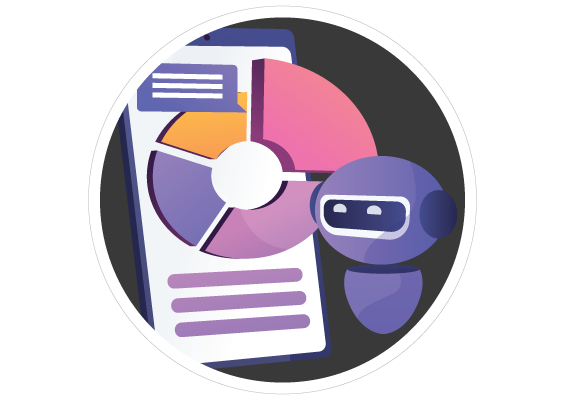
Meet Sophia, your QR-Patrol AI Assistant, available both on the web platform and the mobile app to support your daily operations. Sophia is designed to help you navigate the system more efficiently, providing instant guidance and answers whenever you need them
How Sophia can assist you:
- Guide you through setting up and managing patrol routes
- Help you understand how to create and organize checkpoints
- Direct you to the right resources for reports and insights
- Assist with system configuration steps
- Answer general questions about the platform
Issue Management & Work Orders (Limited)
Issue Management is the process of handling Issues like Incidents and emergencies, from the moment they were reported until they are completely resolved. The types of incidents that are considered "Issues" and can be handled through Issue Management are: Incidents, SOS/Mandown alerts and Pending actions.
A Work Order is essentially a description of a work that needs to be conducted, that will usually result in an Issue being resolved. A WO can be due in a certain date, and can also include information about the location of the work, indications of what tools need to be used or skills necessary and any more details the managers want to include for their records.
Follow QR-Patrol on Social Media



GET IN TOUCH
- Thesi Ntousia, Bafra,
Ioannina, Zip: 45500 Greece - Phone: +30-26510-94333
- Email:
- info(at)qrpatrol(dot)com





AWARDS










Copyright 2014-2026 © Terracom S.A. All Rights Reserved.
 |
 |
 |
 |
 |